
1.1 Welcome to EdisonOS
A purpose-built platform for creating, assigning, and analysing standardized test prep built for educators, designed for scale.
What is EdisonOS
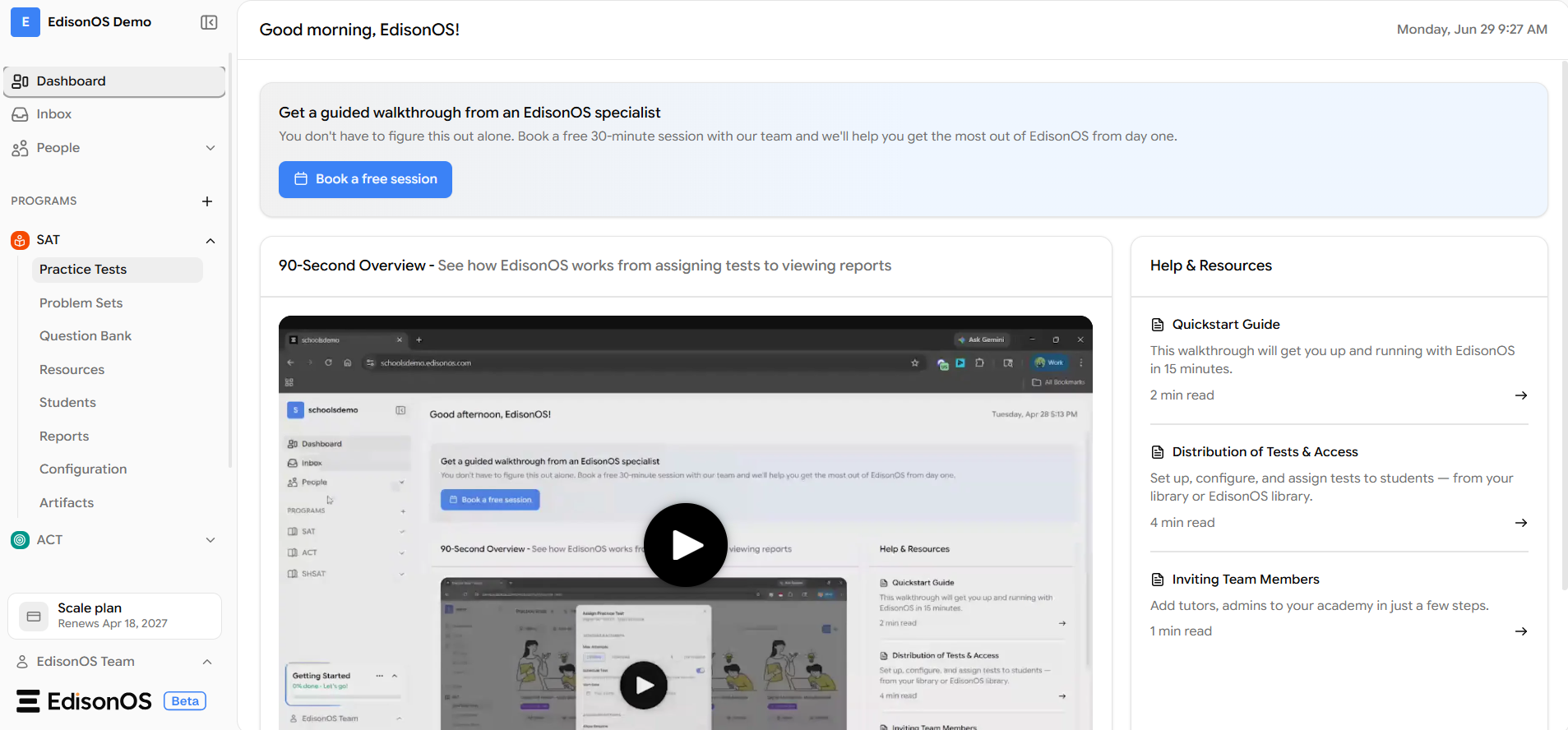
EdisonOS is a purpose-built test simulation platform designed for standardized programs including the SAT, ACT, AP, SHSAT, PSAT/NMSQT , PSAT8/9 & PSAT10.
In simple terms, it is a place where educators manage standardized programs and students experience tests that look and feel exactly like the a true Official / Real Exam Interface. EdisonOS enables educators and organizations to create, assign, and analyze exams at scale while giving every student an authentic, real exam experience.
A Program is an exam. It is a structured, official exam assigned by educators through EdisonOS. Each Program mirrors the format, timing, and experience of a real standardized test like SAT, ACT, SHSAT etc.
What EdisonOS Comes With
You can be up and running in minutes. Here is what is available from day one:
Capability | What you can do |
|---|---|
7,500+ Pre-built Questions | Browse questions by exam, domains, skill, or difficulty. Filter and preview before adding to a test. No setup and ready from day one. |
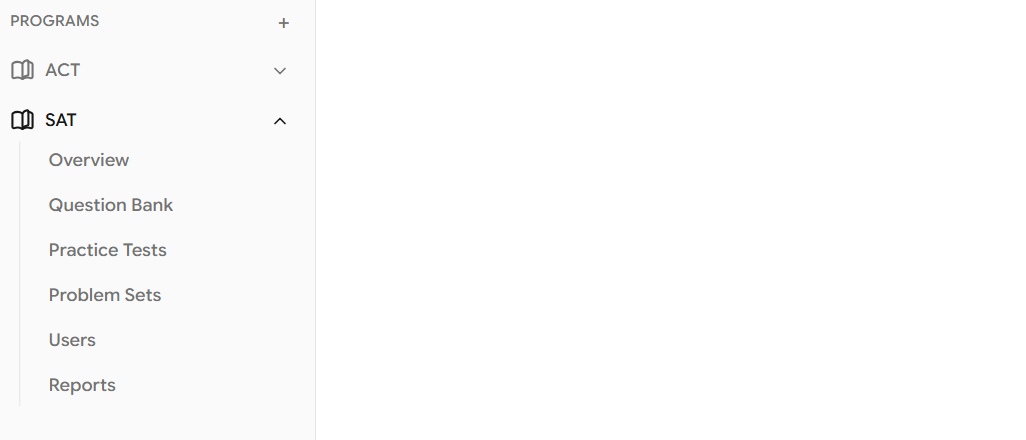
Structured Programs | Add separate programs for SAT, ACT, SHSAT, and more. Each program has its own content, curriculum, students, and reports. Switch between programs instantly from the sidebar. |
Practice Tests | Create and assign practice tests to your students in a few clicks. Use pre-built tests from the EdisonOS Library or build your own. Set time limits and sections to mirror the real exam. |
Problem Sets | Assign targeted problem sets to students based on weak areas. Build short, focused sets by topic or skill level. Use for daily homework or post-test remediation. |
Detailed Analytics | View scores and section breakdowns automatically after each test. See question-by-question results and identify weak areas per student. Track progress across multiple tests over time. |
How EdisonOS is structured
EdisonOS is organized around a simple, logical hierarchy. Understanding this structure makes navigating the platform second nature.
1. Programs
The top-level container. Each program represents a specific exam or course, for example SAT or ACT.
2. Library
Your content hub, split into two areas:
EdisonOS Library: pre-built questions and tests, ready to assign
My Library: your own custom-created content
3. Practice Tests and Problem Sets
Full-length or module tests, or targeted problem sets built and ready to be assigned.
4. Question Bank
A central library where all questions are stored. Every Practice test and Problem Set is built from questions in the Question Bank, which you can create, tag, and reuse freely.
How Organizations Use EdisonOS
EdisonOS is built for organizations that deliver test prep at scale:
Learning Centers: manage multiple Programs, streamline exam delivery, and track student progress in one place
Tutoring Companies: run cohorts efficiently, assign exams and problem sets, and monitor performance across students
Schools (K–12): integrate assessments into curriculum, assign tests, and gain insights into student outcomes
NGOs / CBOs: deliver education programs at scale with standardized content and centralized tracking
Whether you are running a single class or managing hundreds of students across multiple programs, EdisonOS scales effortlessly with your needs.
What's Next
New to EdisonOS? Start with the Quickstart guide.